Online fax software,
nothing to install.
Metcom eFax is digital, electronic fax that runs in your browser and your inbox. Faxes are sent and received by email, and the web fax portal keeps the record: every fax in and out, its pages and status, the address it went to and, if you switch them on, an AI summary.
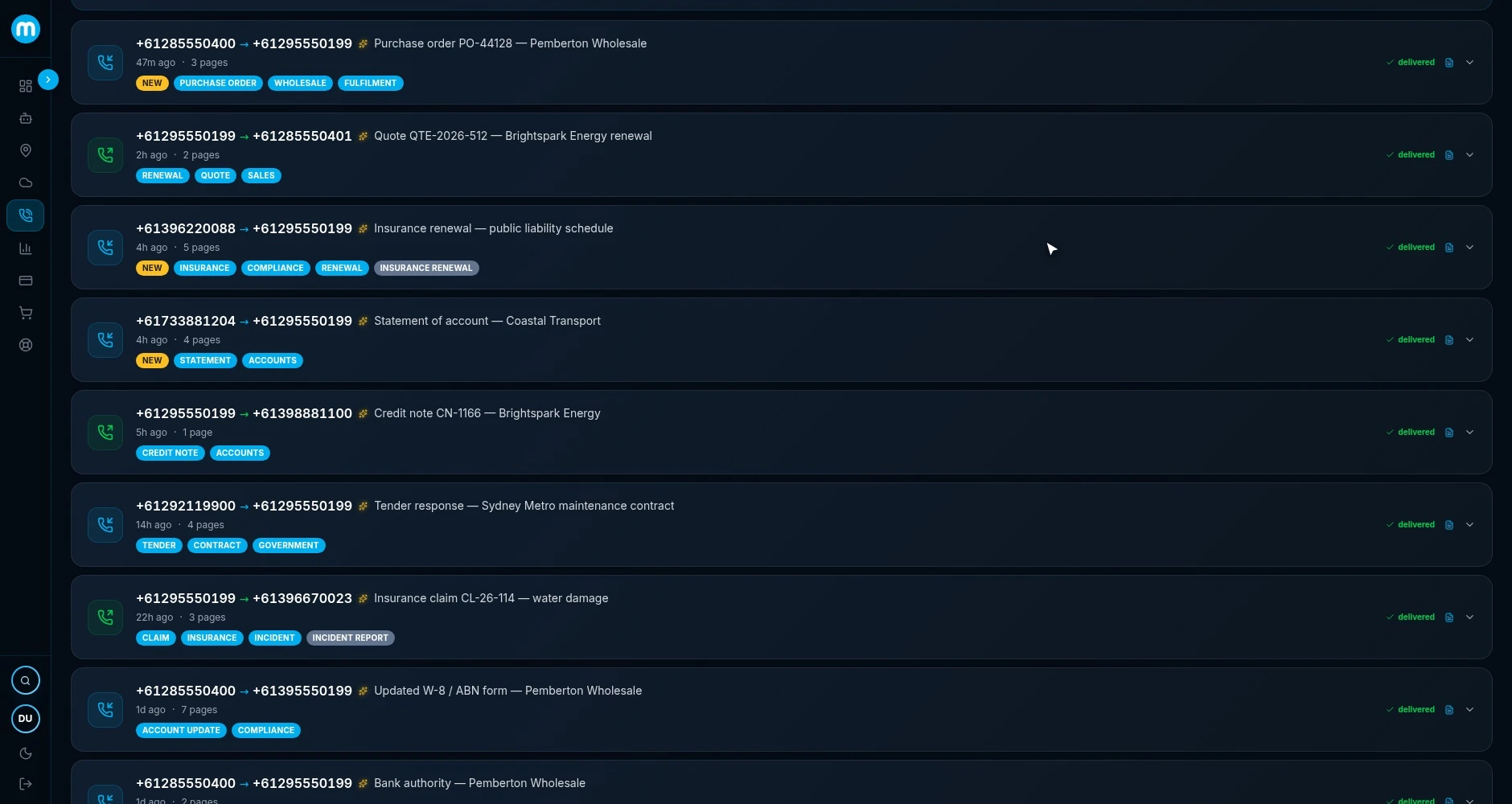
Every fax, findable.
Email is where faxes arrive. The portal is where you go when you need to find one, check one went out, or see what came in this week.
Volumes at a glance
Faxes and pages received and sent for the period, on one screen.
All your fax numbers
Each number listed with its label, so you can see which team or site it serves.
Search every fax
Find a fax by number, title or summary instead of scrolling back through an inbox.
Inbound and outbound
Filter by direction and see each fax with its pages and delivery status.
Open or download the PDF
Open any fax in the browser or download it, along with the email address it was delivered to.
Summaries and tags
With AI fax summaries on, each fax gets a short summary and tags such as invoice or referral.
Fax in the same place as your phones.
The eFax portal sits in the same Metcom hub as your calls, numbers and SMS, so for Metcom phone customers fax is one more tab rather than another login and another supplier.
There is no fax software to install on computers or phones. Staff send and receive through their email, and the portal runs in the browser.
Read the eFax terms in our Fair Use PolicyAI OCR and field extraction.
Full-text recognition of every inbound fax and pulling structured data out of scanned forms are planned for Phase 2. They are not live yet. AI fax summaries are live today. Talk to us if extraction matters to your workflow.
More on Metcom eFax
FAQ
Online fax software: common questions
Retire the fax machine.
Tell us which fax numbers you use and where faxes should go, and we will get eFax set up for you.