Send a fax
from your email.
Metcom's email to fax service lets you send a fax online with the email client you already use. Attach the document as a PDF, address the email to the destination fax number and send. The platform transmits it over the fax network and records whether it was delivered.
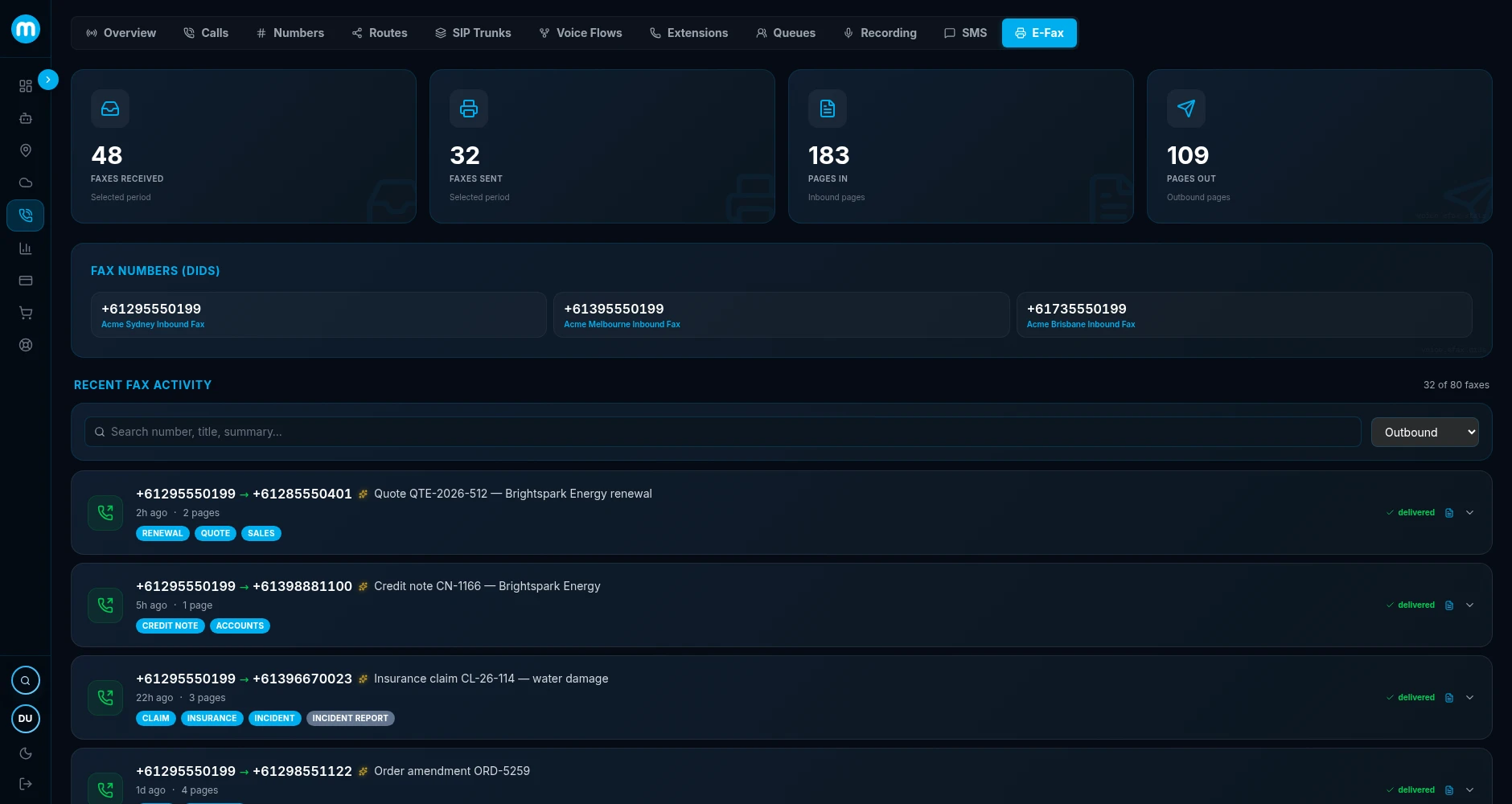
You know whether it arrived.
Sending a fax from email should not mean wondering whether it went through. Every outbound fax is tracked from the moment it leaves your inbox.
Reaches older machines
Faxes go out with T.38 natively and automatic G.711 fallback, so they get through to the hospitals, agencies and firms still running older fax equipment.
Status while it sends
Each outbound fax is listed in the portal while it is being converted, queued and sent, so you can see where it is up to.
Delivery confirmation
The outbound record shows when a fax was delivered, which settles any "did you get my fax?" conversation in seconds.
Three steps, all in your inbox.
- 01
Write an email in your usual email client, addressed to the destination fax number.
- 02
Attach the document as a PDF and send.
- 03
It goes out over the fax network, and the portal shows its status and delivery confirmation.
What sending costs.
Each fax number includes 500 sent pages a month. Additional sent pages are 8c a page, and unused pages do not roll over. Received pages are never counted, so a busy inbound number costs nothing extra.
eFax is built for business correspondence: referrals, orders, forms and signed documents. Bulk fax broadcasting and fax marketing are not covered.
Read the eFax terms in our Fair Use PolicyMore on Metcom eFax
FAQ
Email to fax: common questions
Retire the fax machine.
Tell us which fax numbers you use and where faxes should go, and we will get eFax set up for you.